
How to Choose the Right USB Cable, Power Bank, and Wireless Charger for You test1
In an era where smartphones have become an extension of ourselves, ensuring a full battery and seamless data transfer is crucial. USB cables, power banks, and wireless chargers form the essential trio for modern mobile life. But with a vast array of products on the market, how do you make the right choice? This article breaks it down for you.
1. USB Data Cables: More Than Connection, It’s About Efficiency
-
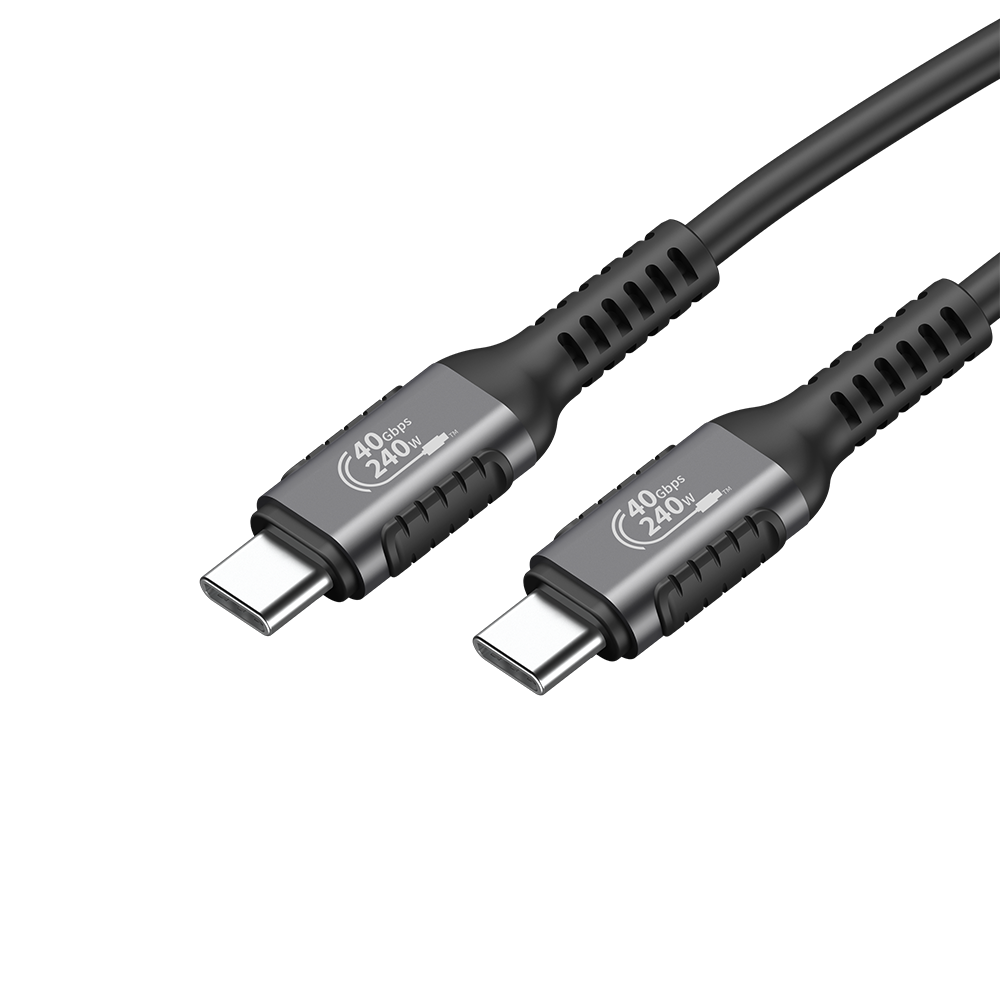
Connector Type: First, look at the connectors. The current mainstream options are USB-C to USB-C or USB-C to Lightning (for Apple). Ensure the cable’s connectors match your devices. USB-C is the future standard, supporting reversible plug orientation and faster speeds.
-
Data Speed & Charging Power: Pay attention to the USB standard. Cables supporting USB 3.0 and above transfer files faster. For charging, choose cables that support higher current (e.g., 3A or 5A) and fast-charging protocols (like PD or QC) to fully utilize a fast wall charger’s capability. Low-quality cables may only support slow charging.
-
Material & Build Quality: Nylon braiding is more durable, abrasion-resistant, and anti-tangle than plastic. Reinforced stress points at the connectors prevent common breakage issues.
2. Power Banks: Your Portable Power Station
-
Battery Capacity (mAh): This is the core metric. A 10,000mAh power bank can charge an iPhone 14 approximately 2-3 times, suitable for daily commutes. A 20,000mAh capacity is ideal for long trips or heavy usage. Note that the rated capacity (actual output) is lower than the labeled capacity.
-
Output Power (W): If you want to fast-charge your phone or tablet, choosing a power bank that supports PD 18W, 30W, or even higher output is crucial. Also, check the number and type of output ports (USB-A/USB-C).
-
Portability & Extra Features: Larger capacity usually means larger size and weight, so balance power needs with portability. Some power banks integrate wireless charging or come with built-in cables for added convenience.
3. Wireless Chargers: The Elegant Choice that Frees You from Plugs
-
Charging Standard: Ensure it supports the Qi standard, the most universal wireless charging standard compatible with most phone brands.
-
Charging Power: Basic models often provide 5W or 7.5W charging, while fast-charging models can offer 15W or higher wireless fast charging for compatible phones. Check your phone’s supported wireless charging power before buying.
-
Design & User Experience: Pad-style chargers take up desk space but are often more affordable; stand-style chargers allow you to view your screen or use Face ID while charging. Choose models with non-slip bases and charging status indicators for a better experience. Some support both horizontal and vertical placement.

